Easter egg examples
Keep them simple. Hide a couple of basic eggs your club can add through a pull request.
Password egg
A clue on one page leads to a password that opens a hidden route.
<script>
  import { goto } from '$app/navigation';

  let guess = '';
  const secret = 'spring';

  function checkPassword() {
    if (guess.toLowerCase() === secret) {
      goto('/secret');
    }
  }
</script>

<input bind:value={guess} placeholder="Enter password" />
<button on:click={checkPassword}>Open</button>
Preview
Part of an image is clickable
A small hidden area on an image takes people to a secret page.
<div class="image-wrap">
  <img src="/images/egg.png" alt="Egg" />

  <button
    class="hotspot"
    aria-label="Hidden egg"
    on:click={() => goto('/secret')}
  ></button>
</div>

<style>
  .image-wrap {
    position: relative;
    display: inline-block;
  }

  .hotspot {
    position: absolute;
    right: 18%;
    top: 24%;
    width: 36px;
    height: 36px;
    background: transparent;
    border: 0;
    cursor: pointer;
  }
</style>
Preview
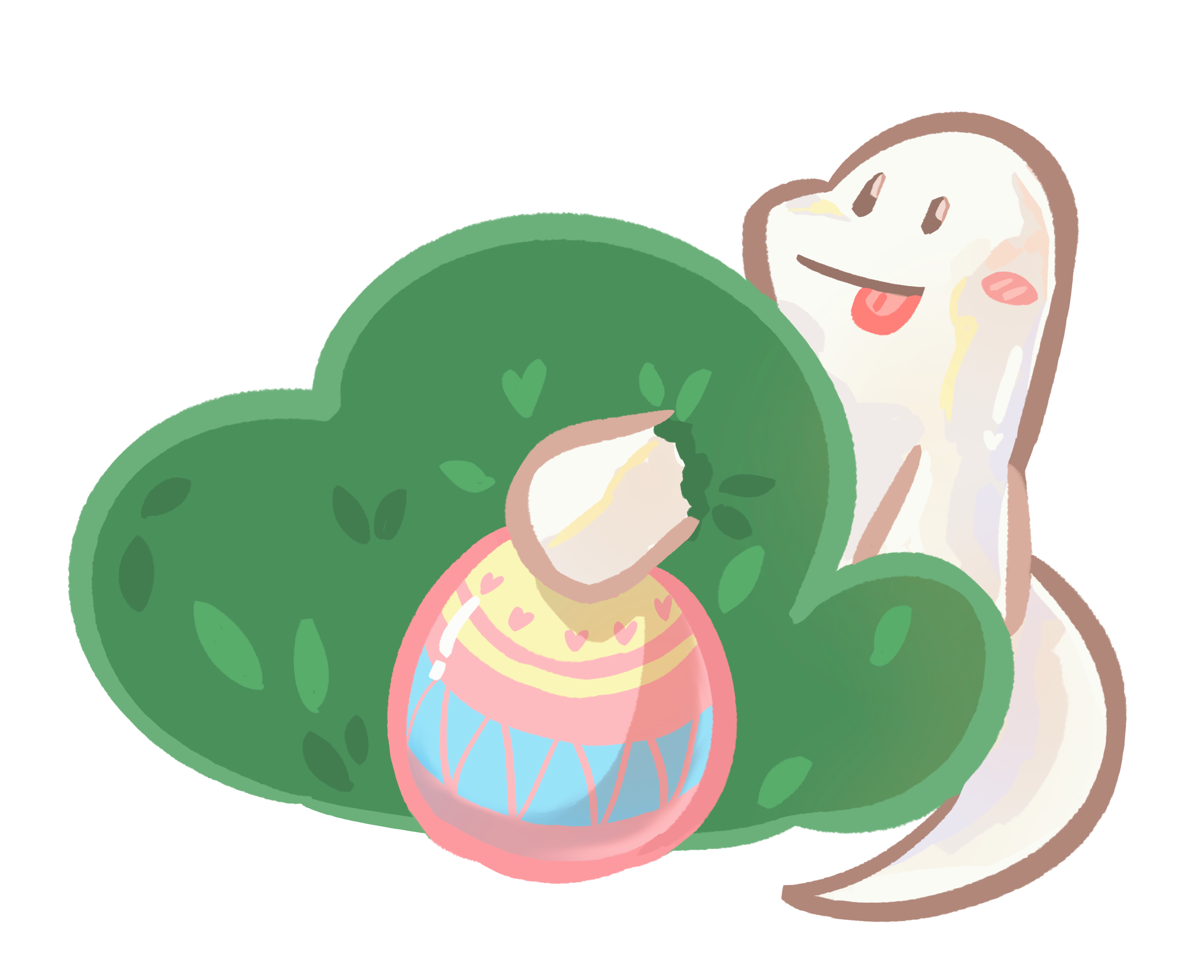
Only the outlined square opens the secret page.
Footer egg
A tiny egg icon hidden low on the page.
<footer>
  <a href="/secret" class="tiny-egg" aria-label="Hidden egg">🥚</a>
</footer>

<style>
  .tiny-egg {
    font-size: 14px;
    text-decoration: none;
  }
</style>
Preview
Secret phrase egg
A normal-looking word reveals something when clicked.
<script>
  import { goto } from '$app/navigation';
</script>

<p>
  Welcome to our club.
  <button class="secret-word" on:click={() => goto('/secret')}>
    bloom
  </button>
</p>

<style>
  .secret-word {
    background: none;
    border: 0;
    padding: 0;
    color: inherit;
    font: inherit;
    cursor: pointer;
  }
</style>
Preview
Welcome to our club.